Tratto
Handwritten todo list on an infinite canvas
A spatial todo list for phones and tablets — stylus or keyboard, multi-project canvas, Focus Mode when you need depth.

At a glance
What Tratto is
Platforms, pricing, sync, and the basics — without the marketing fog.
- Platforms
- iOS and Android — phones and tablets, stylus supported
- Input
- Handwrite with ink or type anytime — no forced OCR
- Layout
- Multi-project canvas; column or kanban per project
- Focus Mode
- Pin a short list from any project and run a timer
- Sync
- Sign in to sync projects across your devices
- Pricing
- Free: 1 project, 2 sections, 1 Focus task. Pro: unlimited + due-date reminders
Capture
Handwrite or type every task
Capture tasks and project names with a stylus, or switch to the keyboard anytime — fluid input for how you work.
Prepare client deck
Update roadmap
Overview
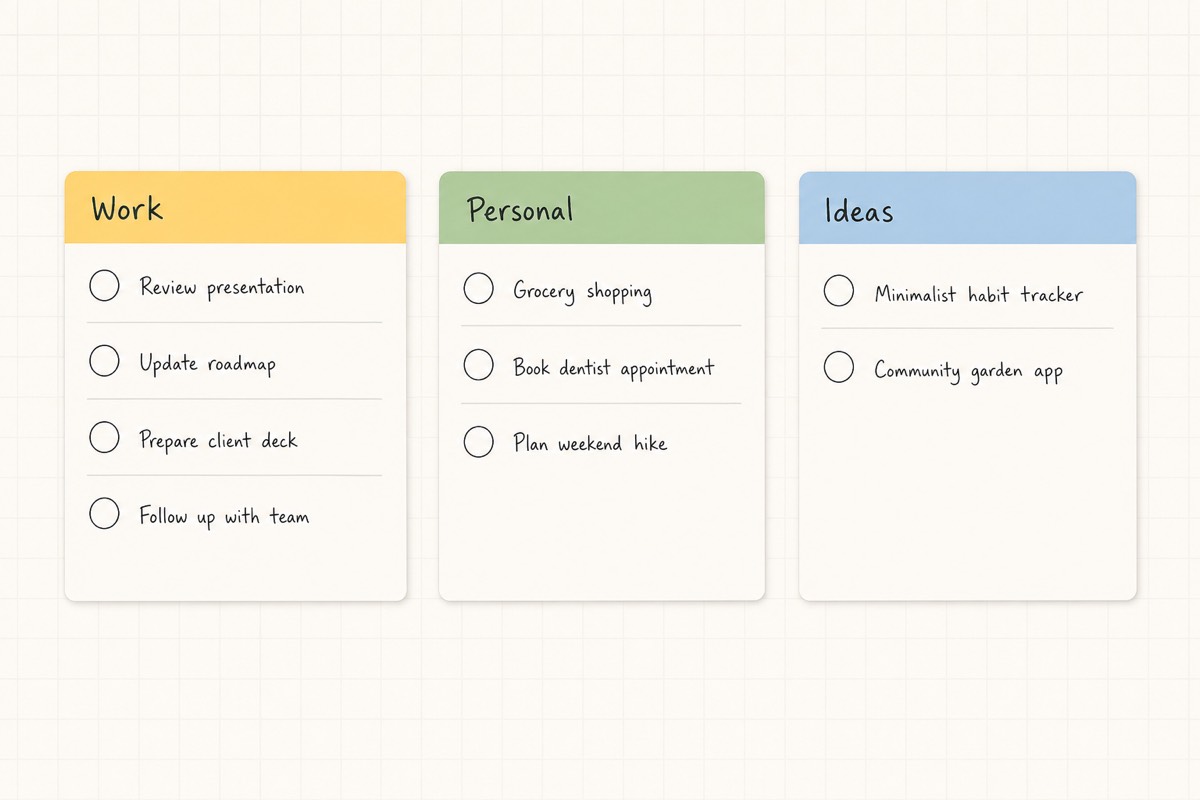
Multi-project canvas overview
Arrange multiple projects on one free-form canvas, or focus on a single board when you need depth. Move between overview and focus without losing context.
Deep work
Focus Mode for deep work
Pin a short todo list from any project, start a focus timer, and work without the rest of the canvas competing for attention.
-
Finalize proposal draft
-
Review design feedback
-
Ship Q3 plan
A short list. Nothing else.
Context
Everything inside each task
Notes, start and due dates with reminders, and tags — all attached to the work itself, not scattered across tools.
-
Notes
Open a rich notes sheet on any task. Type details, context, and follow-ups without leaving the canvas.
-
Start & due dates
Schedule when work begins and when it’s due. Enable a reminder notification so you’re nudged at the right time.
-
Tags
Label tasks to find them later. Filter and group by the tags that match how you think.
Structure
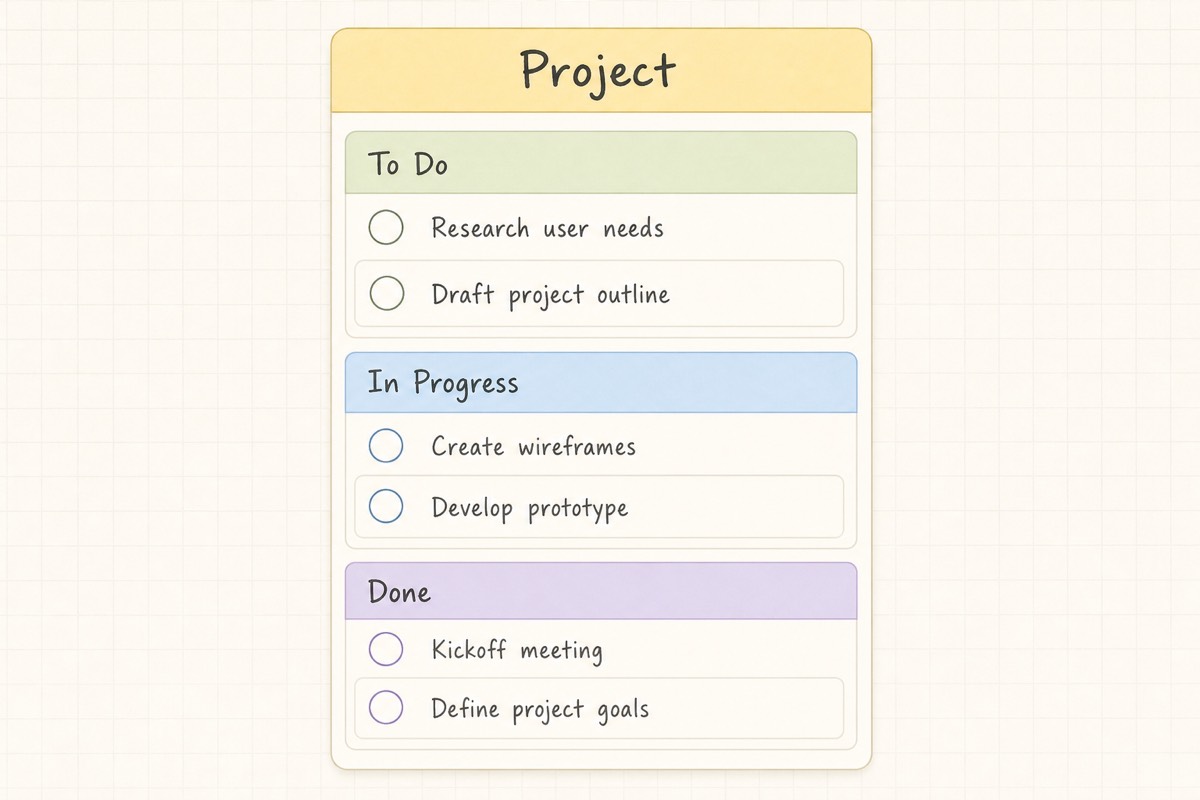
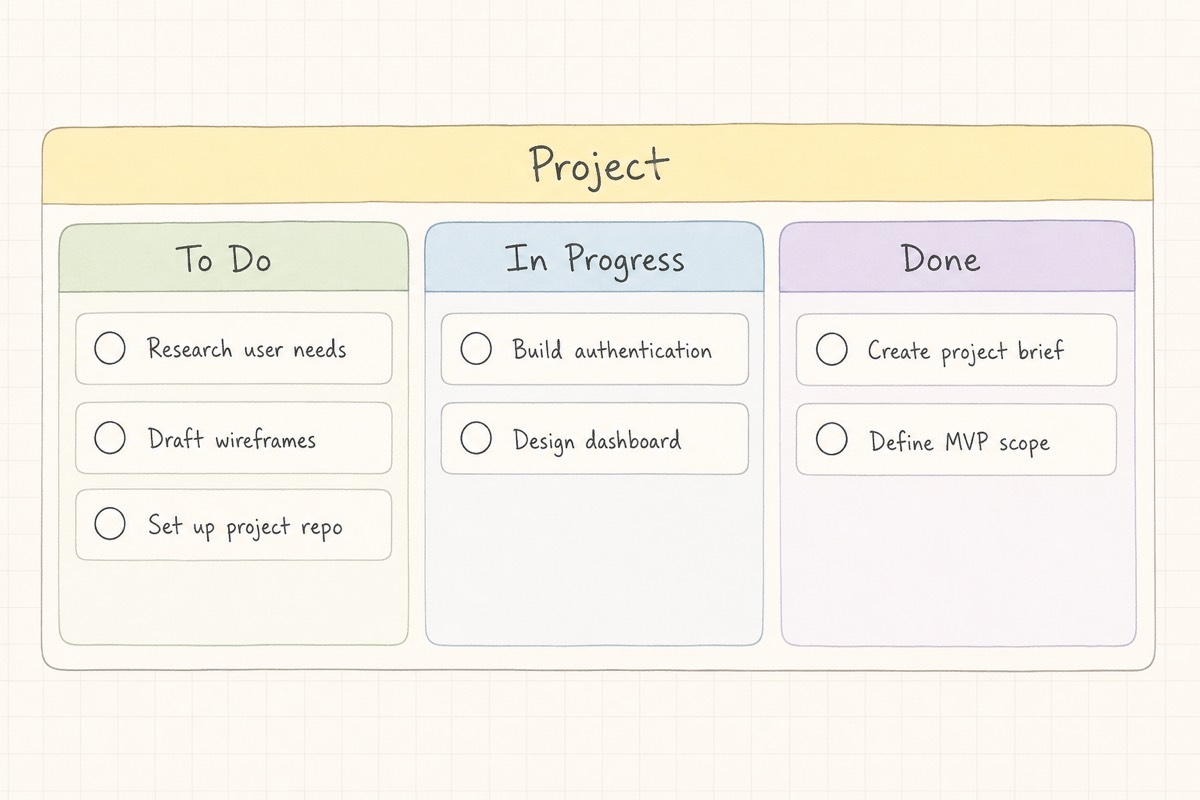
Column or kanban — your call
Stack sections in a single column, or arrange them as a kanban board. Switch layouts anytime from the project header.
FAQ
Common questions
What is Tratto?
Tratto is a handwritten todo list app built on an infinite canvas. Create tasks with a stylus or keyboard, organize projects freely, and switch between overview and Focus Mode.
Can I handwrite tasks in Tratto?
Yes. Handwrite task titles and project names with a stylus on supported tablets, or type with the keyboard anytime. Handwriting is stored as ink — clear it to switch to typed text.
Is Tratto a kanban board?
You can stack sections in a column or arrange them side by side as a kanban board — switch anytime from the project header.
What is Focus Mode?
Focus Mode lets you pin a few tasks from any project into one short list and run a timer so you can do deep work without the full canvas competing for attention.
Is Tratto available on iOS and Android?
Yes. Tratto runs on iOS and Android phones and tablets. Download it from the App Store and Google Play.
Is Tratto free? What is Pro?
Yes. Free includes 1 project, 2 sections per project, and 1 Focus task. Pro unlocks unlimited projects, sections, and Focus tasks, plus due-date reminder notifications — monthly or yearly in the app.
Does Tratto sync across devices?
Yes. Sign in to sync your projects, sections, and tasks across your devices.
Does Tratto convert handwriting to text?
No. Handwriting stays as ink so it looks like yours. Clear the ink if you want to type a title instead.
Who is Tratto for?
People who prefer spatial planning over linear lists — especially stylus users on tablets who want handwritten todos on a free-form multi-project canvas.
How do I contact Tratto support?
Email [email protected]. Privacy and terms are linked in the footer.
Download the handwritten todo list
Stylus or keyboard — your projects on one canvas.